Try the 3×3 collage maker







Seamless: a 3×3 collage where nine photos meet edge to edge.
How to make a 3×3 photo collage
Add nine photos and the 3×3 collage is ready: the square canvas has three columns and no gaps, so nine photos form an exact 3×3 collage. Select any photo to crop or swap it, add borders in Frames if you want them, then download. At 3000 pixels, each of the nine tiles is about 1000 pixels wide.
- 3×3 collage, seamless or with borders
- Swap photos by dragging
- Square 1:1 output

Make a 3×3 collage
- Add nine photosAdd exactly nine for a full 3×3 grid. With other counts, the grid adapts and the last row stretches.
- Arrange themDrag photos in the strip below the canvas, or select one and use Swap, to change the order.
- Choose bordersLeave Spacing at 0 for a seamless grid, or raise it and pick a frame color for white borders.
- Download the 3×3 collageSave your 3×3 collage as a square PNG or JPG, or switch to 4:5 above the canvas for a portrait version.
One image with nine photos — not a split post
This tool combines nine photos into one image. It does not cut a single photo into nine pieces for an Instagram profile grid.
Why a 3×3 collage works
Nine equal squares are easy to scan, which is why a 3×3 collage suits a year in review, a moodboard or nine favorite dishes. A 3×3 collage also crops neatly into a square post.
Seamless or bordered
A seamless grid (Spacing 0, Outer margin 0) works well for similar colors and moods. Thin white borders make busy photos easier to tell apart. Rounded corners are in Frames too.
Getting a sharp result
Choose 3000 or 4096 pixels when you download. Each tile is then roughly 1000 or 1365 pixels across, enough for sharing and small prints.
3×3 collage maker questions
Still stuck? Email support@collagemaker.org.
Can this split one photo into a 3×3 Instagram grid?
No. It combines nine separate photos into one image.
What if I only have eight photos for my 3×3 collage?
The grid stays 3 columns wide and the last row stretches to fill the width. Add a ninth photo or use a text label for an exact 3×3.
How do I add white lines between photos?
Raise Spacing in Frames and set the background color to white.
Can I make it portrait?
Yes. Choose 4:5 above the canvas. Each tile becomes slightly taller.
 Photo grid maker
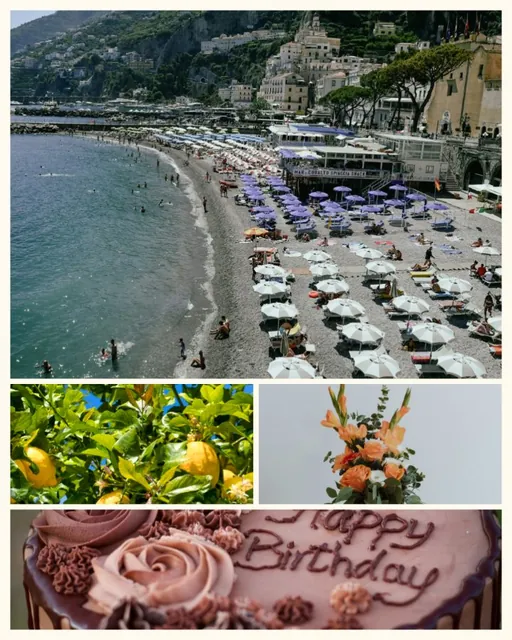 Instagram collage maker
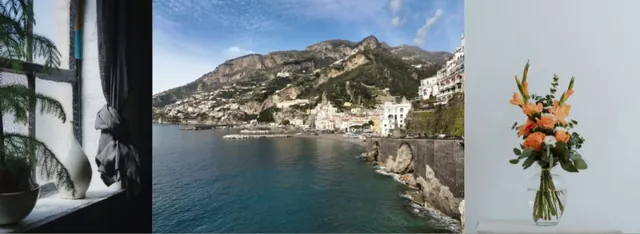 Combine photos