Match the ratio first, then check the pixels
A good print starts with the right shape and enough detail in every original photo. Use the 4×6, 5×7, 8×10, A4 or Letter canvas size, then choose the export resolution.
| Paper | Approx. pixels at 300 DPI | Canvas preset |
|---|---|---|
| 4×6 in | 1200×1800 | 4×6 portrait |
| 5×7 in | 1500×2100 | 5×7 portrait |
| 8×10 in | 2400×3000 | 8×10 portrait |
| A4 | 2480×3508 | A4 portrait |
| US Letter | 2550×3300 | US Letter portrait |
The default longest edge is 3000 pixels; you can choose up to 4096. For A4 and Letter at approximately 300 DPI, use the 4096 option. This creates a pixel image; it does not write a PDF or set your printer’s physical paper size.
More pixels do not guarantee more detail
If a photo is small or blurry, enlarging it will not reveal detail that was never there. Images with many small frames may look fine on a screen but need closer inspection on paper.
Print a test before making copies
Check the downloaded image, choose the intended paper size and inspect the printer preview. Disable automatic cropping if it cuts off important content. Colors may vary between screens and printers.
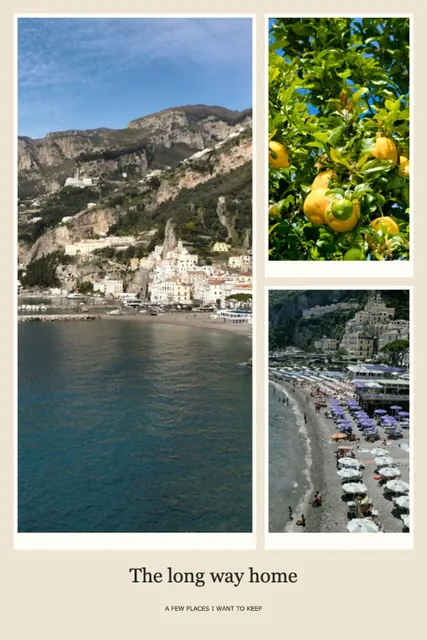 Printable collage maker
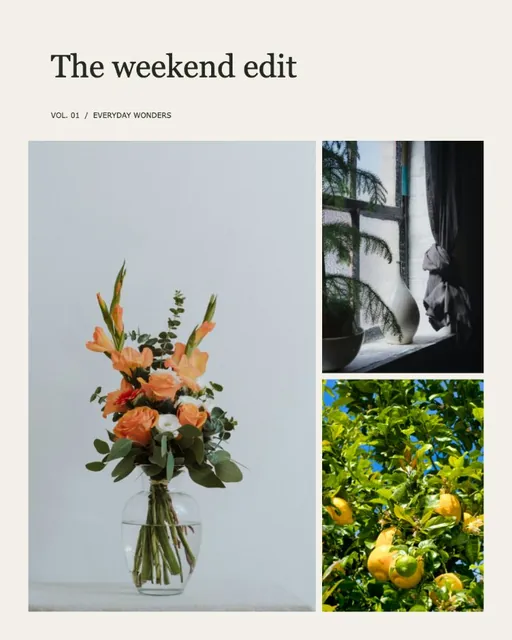 How to make a photo collage