Try the pinterest collage maker





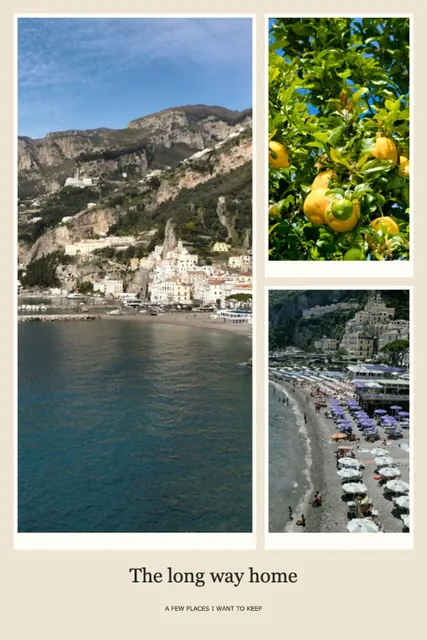
Pin 2:3: the tall shape Pinterest recommends, here with six photos.
How to make a collage for Pinterest
Choose Pin 2:3, add your photos and pick a layout, then download a PNG or JPG and upload it to Pinterest as an image Pin. Pinterest’s specs page for image ads recommends a 2:3 aspect ratio, or 1000 × 1500 pixels, and notes that taller images might get cut off in feeds. At the default 3000 pixels this canvas downloads at 2000×3000. The collage maker is free, with no watermark and no sign-up.
Price: Free — no account, no watermark, nothing to buy.
- The tall 2:3 Pin shape
- Free, no watermark, no sign-up
- Photos stay on your device
Make a Pinterest collage in four steps
- Pick the Pin shapeChoose Pin 2:3 above the canvas. Square and 4:5 are there too.
- Add your photosAdd 2–30 photos from your own device. The Pin canvas opens with a two-column grid.
- Add a headingType a heading in Style, for example a recipe name or a place, or add movable text from Text & decor.
- Download and uploadDownload a JPG or PNG and upload it in Pinterest as an image Pin.
What to put on a Pinterest collage
- Mood board — colors and textures for a room, an outfit or a wedding.
- Round-up — several photos of one recipe or craft in a single Pin.
- Trip recap — the best photos from a place, together.
The Pin shape
Pinterest’s specs page for image ads recommends a 2:3 aspect ratio, or 1000 × 1500 pixels, and says images taller than 2:3 might get cut off in feeds. The Pin canvas here is exactly 2:3. It downloads at 2000×3000 pixels at the default 3000, or 2731×4096 at 4096. Check Pinterest’s own guidance before you upload.
Keep it readable
Pins are seen small in a feed, so larger photos and fewer of them read more clearly. Four to six photos are easier to take in than thirty.
Your own photos
This collage maker works with photos from your own device. Nothing is uploaded and there is no account. It does not import Pins from Pinterest.
Pinterest collage maker questions
Still stuck? Email support@collagemaker.org.
Is the Pinterest collage maker free?
Yes. It is free, with no watermark and no sign-up.
What size is a Pinterest Pin collage?
Pinterest’s specs page for image ads recommends a 2:3 aspect ratio, or 1000 × 1500 pixels. The Pin 2:3 canvas has exactly that shape and downloads at 2000×3000 pixels by default.
Can I add text to my Pin?
Yes. Type a heading in Style, or add movable text from Text & decor.
Can I import photos from Pinterest?
No. Add photos from your own device. Nothing is uploaded, so photos stay on your device.
How do I post the collage on Pinterest?
Download the collage as a JPG or PNG, then upload it in Pinterest as an image Pin.
 Instagram collage maker
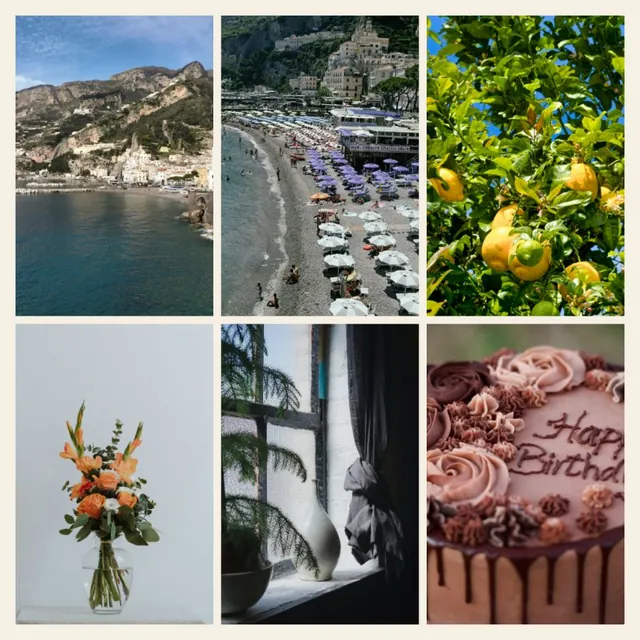 Photo grid maker
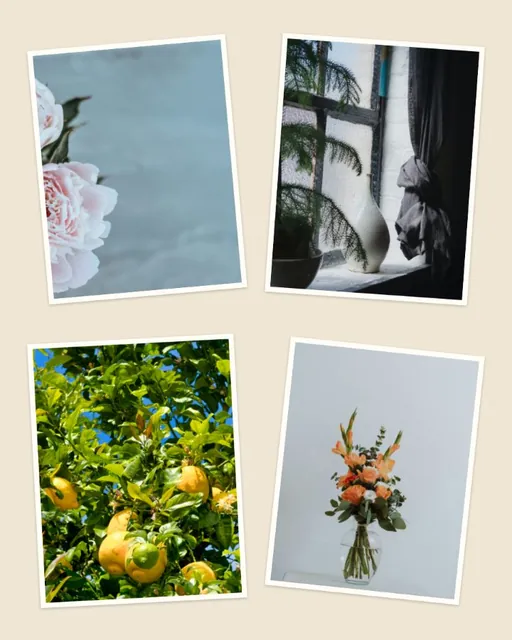 Aesthetic collage maker
 Printable collage maker