Full photo preserves every edge
In the Layout tab, choose Keep all photos whole to apply it to every image. To change only one image, select it in the canvas or photo strip, open the Photo tab and choose Full photo.
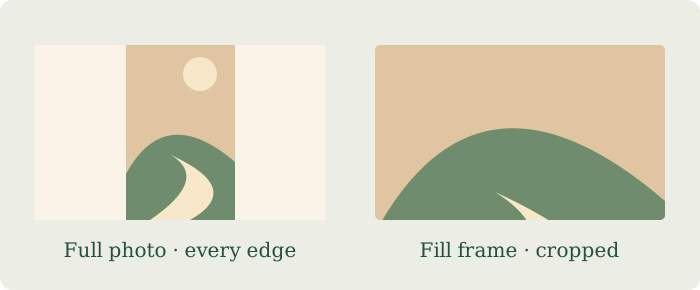
Why empty space appears
A tall photo cannot fill a wide frame without either losing its top and bottom or leaving space at its sides. The editor preserves the original proportions. Choose a background color you like, or try Natural rows to make the frame shapes closer to the photos.
When Fill frame is useful
Fill frame covers the entire frame. Select the photo and use Zoom, Horizontal position and Vertical position to choose the part that stays visible. Review the exported image before sharing it.
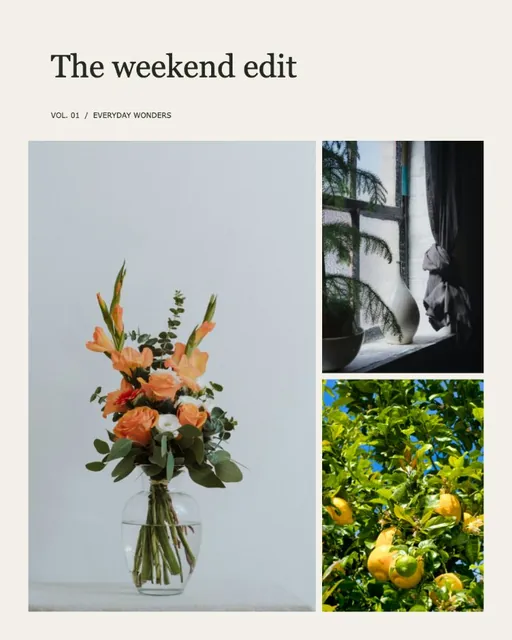 How to make a photo collage
 Photo grid maker
 Combine photos