Try the aesthetic collage maker


 ✦little things
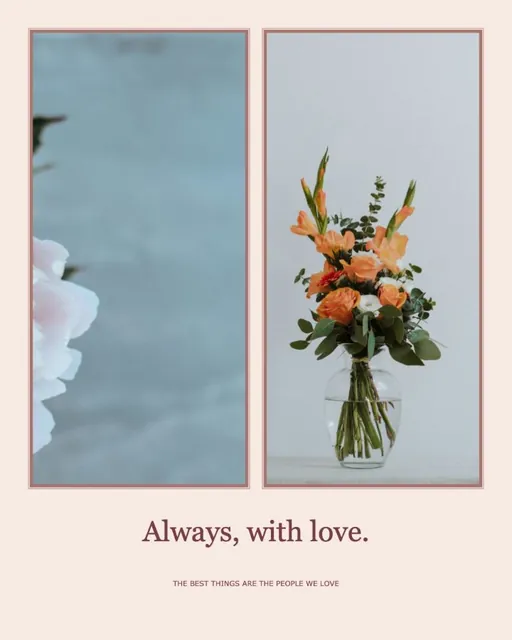
An aesthetic collage on textured paper with soft frames.
How to make an aesthetic collage
Add your photos and your aesthetic collage opens on a textured paper background with soft white frames. Switch to Grid paper or Soft pink above the canvas, then open Stickers for paper and journal pieces such as washi tape, torn notes and tickets, or doodles like arrows and stars. Switch to Freeform to tilt and overlap photos like a real journal page.
- Aesthetic collage on paper, grid paper or soft pink
- Washi tape, notes and doodles
- Tilt and overlap photos freely
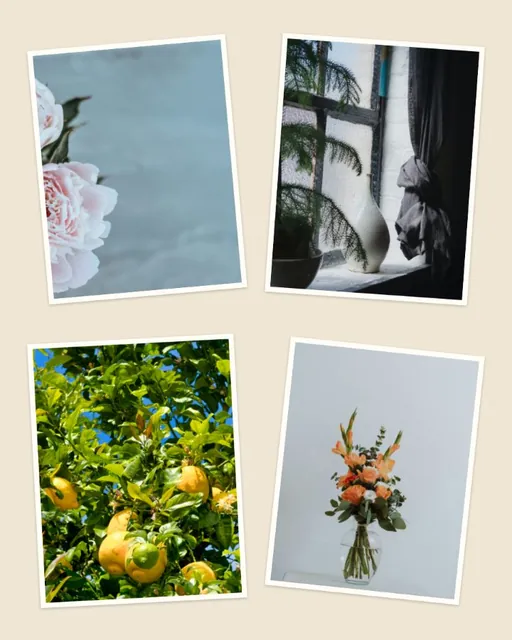
Make an aesthetic collage in four steps
- Pick photos with a shared moodSimilar light or colors hold a scrapbook page together; soft frames and paper are already set.
- Choose a paperTap Paper, Grid paper or Soft pink above the canvas.
- Tape it downOpen Stickers for washi tape, torn notes and tickets, then add a doodle or two to the aesthetic collage.
- Save the pageSave the aesthetic collage as a phone wallpaper, a post or a journal page to print.
What makes an aesthetic collage?
A calm color palette, a little texture and a few handmade details. Pick two or three colors that already appear in your photos and repeat them in the background and words.
Why make an aesthetic collage
An aesthetic collage turns scattered camera-roll photos into one calm, styled page for a phone wallpaper, a moodboard or a journal. An aesthetic collage looks best with fewer colors, not more.
Scrapbook details
Paper & journal stickers include washi tape, torn notes, tickets and photo corners. Doodles add arrows, circles and stars. Every sticker can be resized, rotated and recolored.
Leave some space
Keep a little room between photos and around the edges. In Freeform, tilt photos just a few degrees.
Aesthetic collage maker questions
Still stuck? Email support@collagemaker.org.
Can I make a scrapbook-style collage?
Yes. Start your aesthetic collage with the paper background, add Paper & journal stickers and switch to Freeform to overlap photos.
Can I upload my own stickers?
Yes. In Stickers, choose Upload PNG / WebP to add your own transparent images.
What size should I use for a phone wallpaper?
Use the wallpaper collage maker for a tall 9:19.5 phone size with lock-screen guides.
Which colors look aesthetic?
Soft, muted colors usually work best: cream, sage, dusty pink or warm grey. Choose a background close to a tone that already appears in your photos.
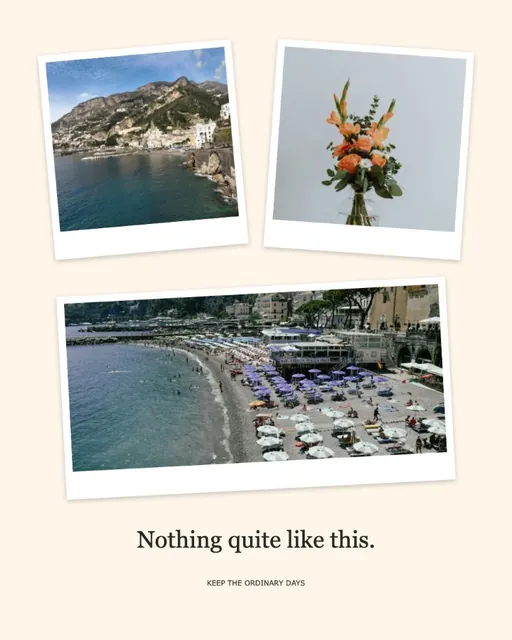 Polaroid collage maker
 Wallpaper collage maker
 Instagram collage maker
 Love collage maker