Pick a starting point
What will you make with the collage maker?
Each collage maker below opens this same editor with the right size and settings. Your photos and draft come with you.
A clean photo grid
Rows and columns for any number of photos. The last row stretches so an odd number still looks finished.
- Photo grid with 1–8 columns or Automatic
- Spacing and outer margin down to 0
- Full photo or Fill frame for each photo
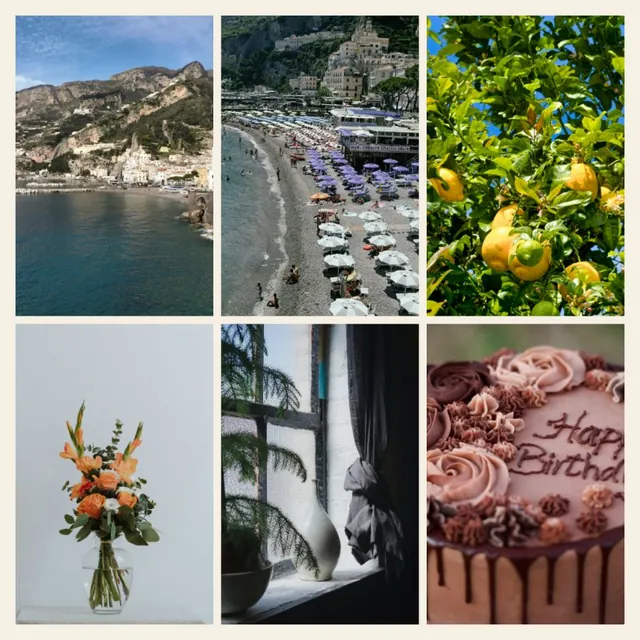
Two or more photos, one image
Join photos side by side or stacked. Heights or widths match and the canvas grows to fit, so nothing is cropped.
- Combine photos side by side or stacked
- No gaps, no cropping
- Canvas stays between 1:4 and 4:1
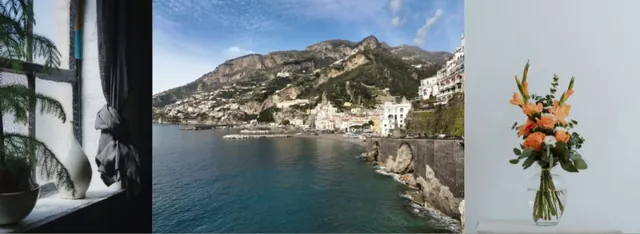
Birthday collages and cards
Start from a birthday template, add confetti and cake stickers, then write your message.
- Birthday collage templates ready to preview
- Birthday sticker collection
- Portrait size for sharing or printing
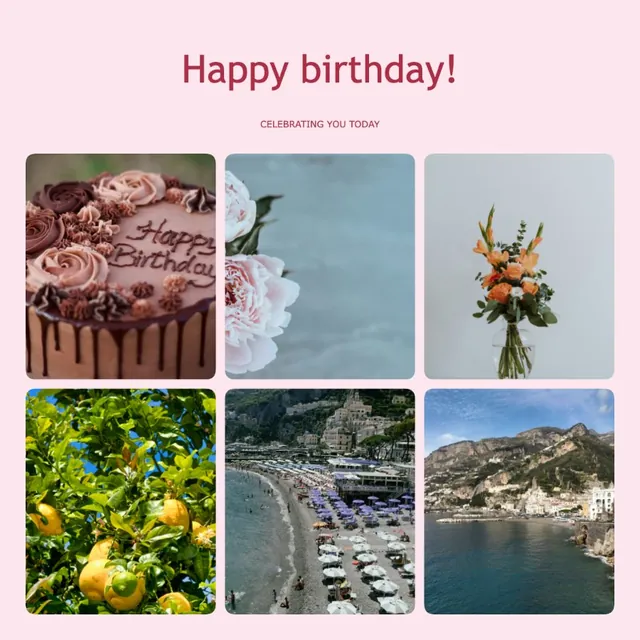
Phone and desktop wallpapers
Tall phone and wide desktop sizes, with lock-screen guides so the clock does not cover a face.
- Wallpaper collage for phone 9:19.5 or desktop 16:9
- Clock and home-bar guides (not in the download)
- Up to 4096 px on the long side
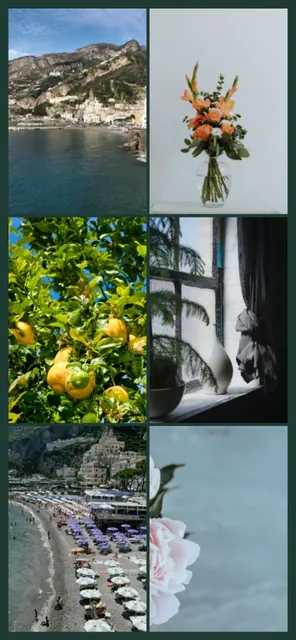
Ready to print at home or in a shop
4×6, 5×7, 8×10, A4 and US Letter sizes. The download window shows the pixels you need for about 300 DPI.
- Printable collage in five paper sizes
- 300 DPI pixel check before you download
- PNG or JPG
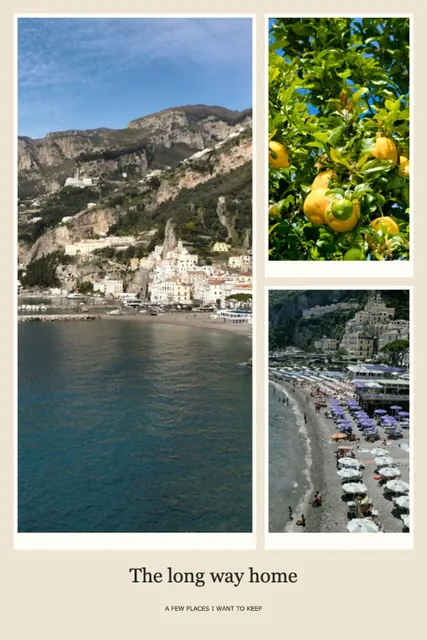
Sized for your feed and Stories
Square 1:1, portrait 4:5 and Story 9:16 are one tap away, with templates that look good at phone size.
- Instagram collage in 1:1, 4:5 and 9:16
- Save or share straight from your phone
- No watermark on your post
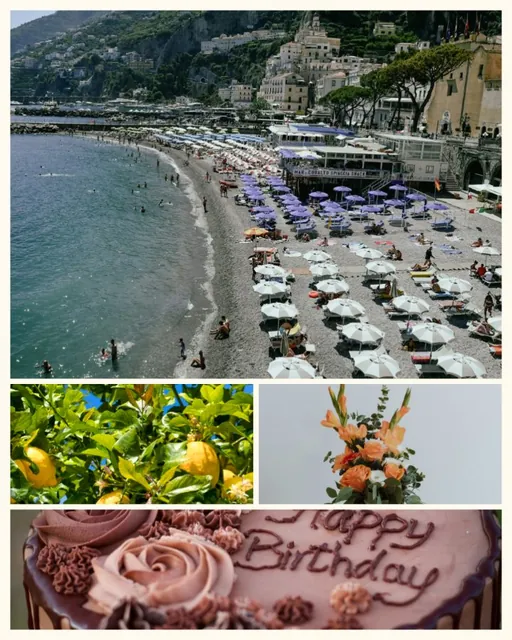
Nine photos, one square
A seamless 3×3 grid, or add borders. Drag a photo to choose which part shows in its square.
- 3×3 collage, seamless or with borders
- Swap photos by dragging
- Square 1:1 output
Try it here
Same photos. Five looks.
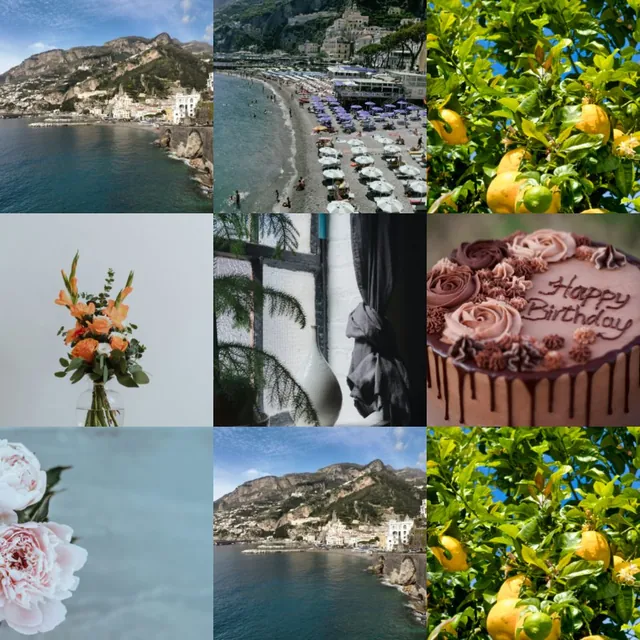
Tap a layout to see how the collage maker rearranges the same four photos. In the full collage maker you get 15 layouts, plus templates.
Even cells. Choose Full photo or Fill frame for each photo.


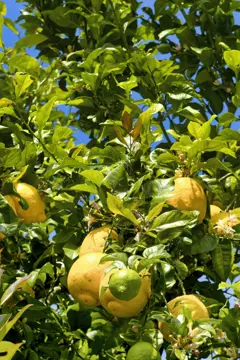
Our favorite part
Every photo stays whole
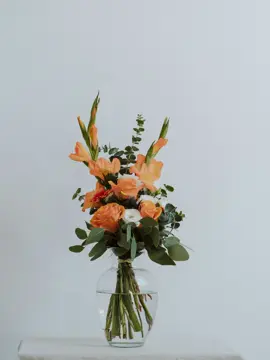
Most grids crop tall and wide photos to fit the cell. In this collage maker, Full photo is on by default: every edge stays, and a little background shows where shapes differ. Prefer a tight fit? Switch that photo to Fill frame.
- Heads, feet and signs stay in the picture
- Mix portrait and landscape photos freely
- Or use Natural rows to remove the empty space

Everything in one collage maker
Simple to start. Room to play.
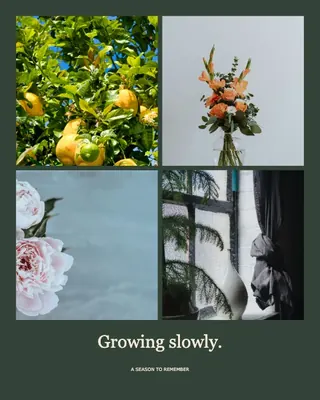
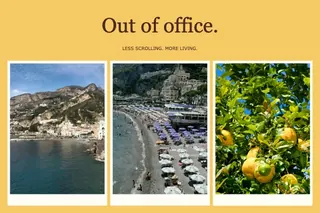
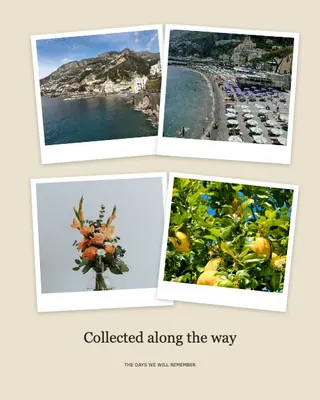
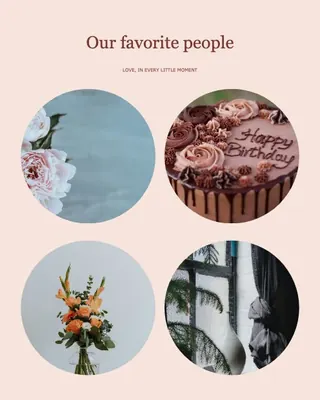
28 templates, ready for your photos
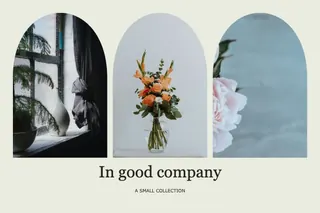
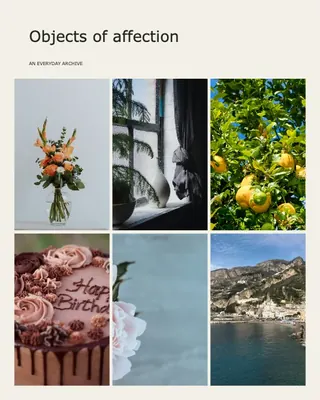
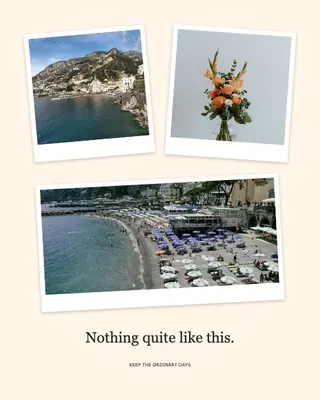
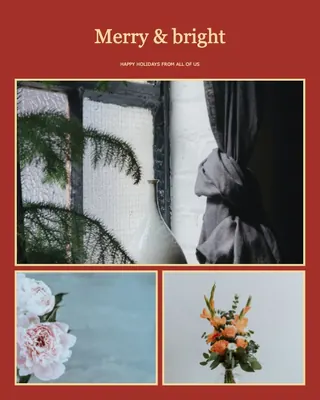
Travel postcards, film strips, birthday cards and calm minimal layouts. Preview any template with your own photos or with samples before the collage maker applies it.
- Search, or filter by Travel, Film, Celebration and more
- Preview before applying
- One step to undo
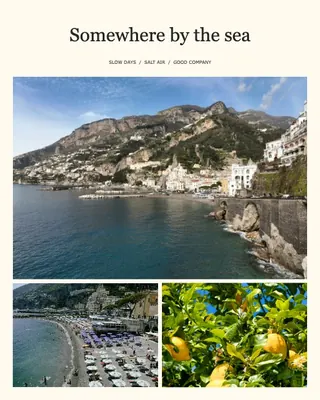
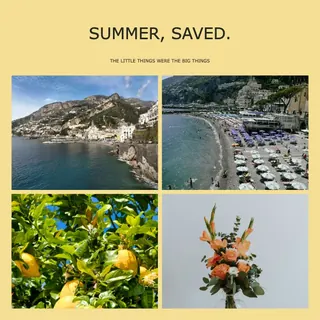

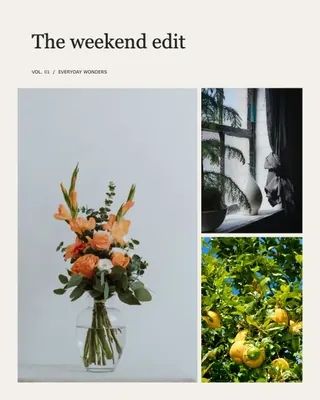

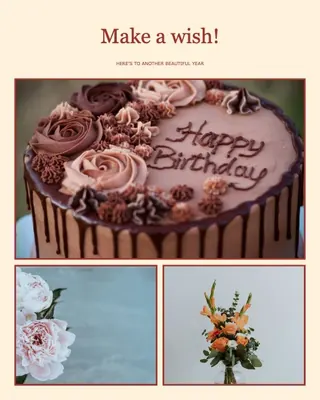

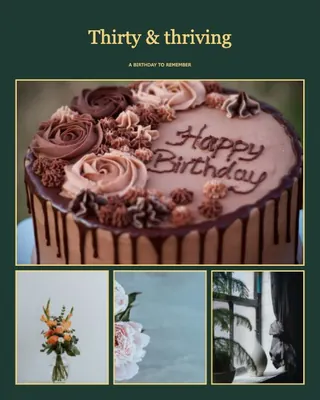


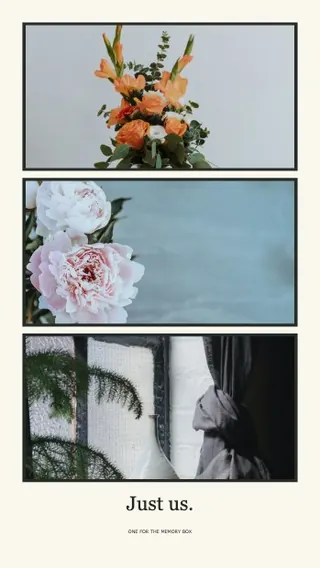
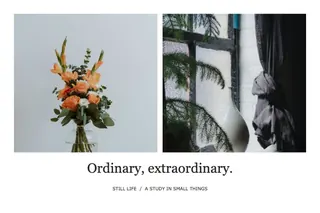
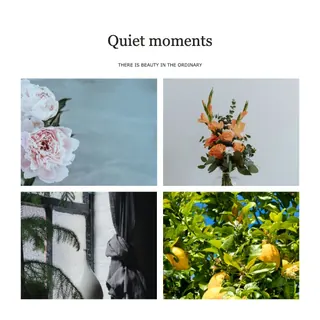
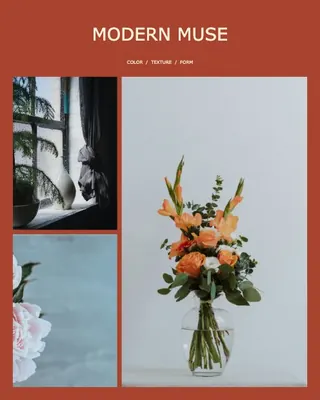
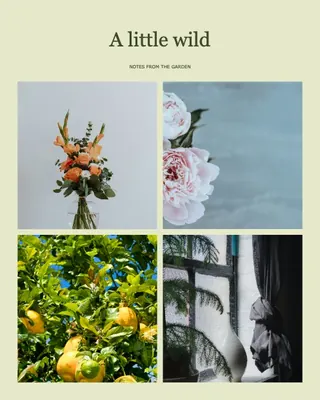

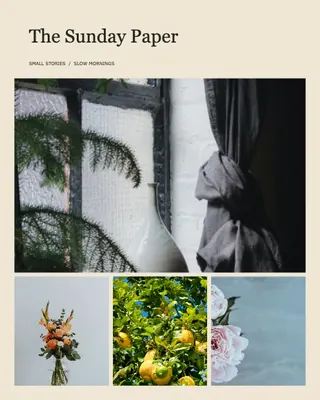

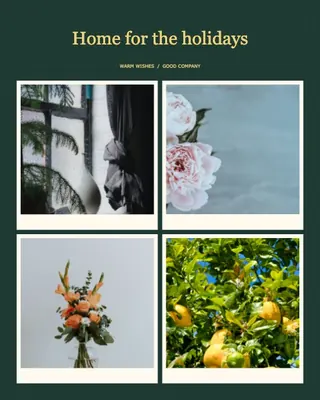
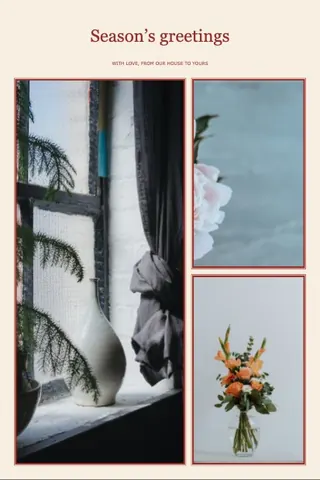
Freeform when you want it
Switch the collage maker to Freeform to move, resize and rotate every photo. Pick from 13 frame shapes, drop in stickers and words, and arrange the layers.
- 80 original stickers, or upload your own
- 13 frame shapes, shadows and borders
- Layer order, lock and group align

The right size for every place
Choose the shape first and the collage maker fits the layout to it. Downloads go up to 4096 pixels on the longest side.
- Square, portrait 4:5, Story 9:16
- Phone and desktop wallpapers
- 4×6, 5×7, 8×10, A4, Letter and Facebook cover
Ask Pip for a look
Not sure where to start? Describe the feeling you want and Pip, the collage maker’s style assistant, suggests a layout and colors. You always see a preview first.
- Try “travel journal” or “film archive”
- Keep any setting locked
- Pip only reads your words — never your photos
The assistant depends on an online service. When it is unavailable, every manual tool still works.
Private by design
The collage maker opens, edits and exports your photos inside your browser. They are not uploaded to our server, and there is no account to create.
- Drafts are saved in this browser
- Save an editable project file as a backup
- No watermark, no sign-up
All free
Start from a template
Tap one to open it in the collage maker with sample photos, then swap in your own.
Collage maker basics
How to make a photo collage
- Add photosDrop 2–30 photos onto the collage maker or tap Add photos. HEIC photos from an iPhone work too.
- Choose a layout or templatePick a grid, a featured-photo layout or a finished template. Use the collage maker’s Freeform mode to move, resize and rotate every photo.
- Adjust the detailsKeep every photo whole or fill each frame, then change spacing, frames, background and words.
- DownloadTap Download in the collage maker, prepare the file and save a PNG or JPG. On a phone, use Save or share to put it in your photos.
Collage maker pricing
Free. Really.
Everything in this collage maker is free to use, with no account and no watermark. There is nothing to buy right now.
Free
$0 forever for these features
- 2–30 photos in one collage
- 15 layouts, 28 templates and 12 freeform designs
- 80 stickers, words, frames and backgrounds
- PNG or JPG up to 4096 px — no watermark
- Drafts saved in your browser
- Pip style assistant, when available
Pro Planned
Not available yet · no price set
- Bigger collages: 50–100 photos
- Print-ready files with a sharpness check for every photo
- Pay once per project — no subscription
- Everything free today stays free
A free online photo collage maker that keeps your photos private
Collage Maker is a collage maker that runs in your web browser. Add 2 to 30 photos, choose one of 15 layouts, 28 templates or 12 freeform designs, then download a PNG or JPG up to 4096 pixels — with no watermark and no sign-up. Photos are processed on your device and are never uploaded to our server.
| Price | Free, no watermark, no account |
|---|---|
| Photos per collage | 2–30 |
| Photo formats | JPG, PNG, WebP, HEIC — up to 20 MB and 40 MP each |
| Layouts and designs | 15 layouts, 28 templates, 12 freeform designs |
| Decorations | 80 stickers, words, 13 frame shapes, backgrounds |
| Sizes | 1:1, 4:5, 9:16, wallpapers, 4×6, 5×7, 8×10, A4, Letter, Facebook cover, custom |
| Download | PNG or JPG, up to 4096 px on the longest side |
| Where photos are processed | In your browser; not uploaded |
| Works on | Current phone and computer browsers such as Chrome and Safari |
Frequently asked questions
Still stuck? Email support@collagemaker.org.
Is the collage maker free?
Yes. The collage maker lets you make and download collages without paying, signing up or getting a watermark. There is nothing to buy on this site.
Does the collage maker upload my photos?
No. Photos, previews and downloads are processed in your browser. The optional style assistant sends only your written request and basic layout settings, never your photos.
How many photos can I add to the collage maker?
Between 2 and 30 photos in one collage, each up to 20 MB and 40 megapixels.
Which photo formats work?
JPG, PNG, WebP and HEIC. The collage maker converts HEIC photos from an iPhone on your device, so they are not uploaded either.
Why is there space around some photos?
In the collage maker, Full photo keeps the whole image. When a photo and its frame have different shapes, space appears around it. Choose Fill frame to crop instead, or try Natural rows.
Can I choose a custom size?
Yes. In the collage maker, choose Custom ratio as the canvas size and enter a width and height to set the shape, anything from 1:4 to 4:1. Then choose how large to download, up to 4096 pixels on the longest side.
Does the collage maker work on a phone?
Yes. It works in current mobile browsers such as Safari and Chrome, with no app to install. Use Save or share after preparing your download to save it to your photos.
Can I print my collage?
Yes. In the collage maker, choose 4×6, 5×7, 8×10, A4 or US Letter as the canvas size. The download window shows the pixels needed for about 300 DPI. See the print size guide.
Can I finish my collage later?
The collage maker saves your latest draft in this browser automatically. Use Project → Save editable project for a backup file with your photos and edits. Clearing browser data removes the draft.
Who is Pip?
Pip is the collage maker’s squirrel and the name of the optional style assistant. Tell Pip the look you want, such as a travel journal, and preview the suggestion before applying it. Pip reads only your words, never your photos.
Will there be a paid version?
Maybe, for bigger jobs such as 50–100 photos and print-ready files. It is not available and has no price yet. Everything free in the collage maker today stays free. Join the waitlist to get one email when it is ready.