How to remove the background from a photo
- Add a photo. JPG, PNG, WebP or HEIC, up to 20 MB.
- Wait a few seconds. The first time, your browser downloads the background tool, about 7 MB. After that it starts straight away.
- Pick a background. Transparent for a cutout, white for a product photo, or any color you like.
- Download. Transparent saves a PNG. White or a color saves a JPG.
Remove background without uploading the photo
This background remover runs its model inside your browser: u2netp, a 4.6 MB version of the U²-Net model, on the ONNX Runtime engine. Your photo is read, cut out and saved on your own device, and nothing is sent to our server. That makes it a good fit for photos of people, children and things you would rather keep private.
What we measured
On November 15, 2026 we used this page to remove background from two 12-megapixel HEIC photos from an iPhone, in Chrome on a Mac: a vertical vase of flowers and a horizontal peony.
| Photo | Photo added to cutout ready | Saving the PNG | Cutout |
|---|---|---|---|
| Vase, vertical | 3.1 seconds | 0.2 seconds | 1800 × 2400, 1.7 MB |
| Peony, horizontal | 2.8 seconds | 0.2 seconds | 2400 × 1800, 2.1 MB |
The times include opening the HEIC file. Cutouts are saved at up to 2400 pixels on the long side, which is plenty for a product listing, a sticker, a slide or a collage.
Photos that cut out cleanly
Remove background works best with photos like these:
- One clear subject: a person, a pet, a product or a plant.
- Some contrast between the subject and what is behind it.
- The whole subject inside the frame.
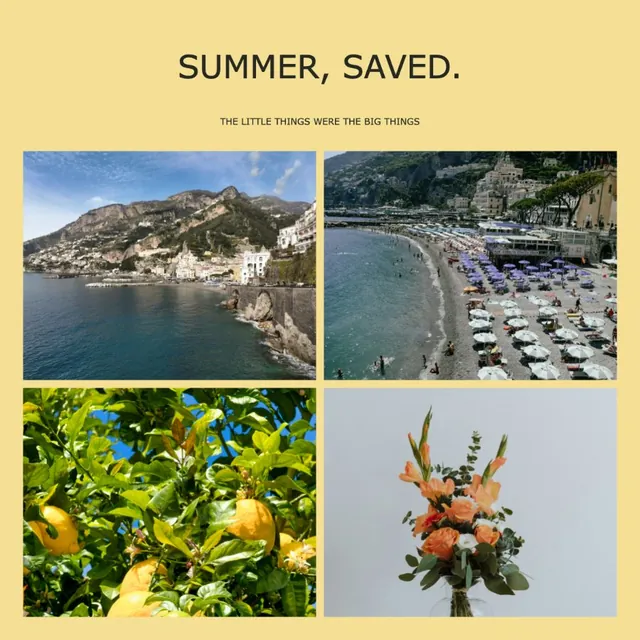
When a photo has no single subject, such as a wide view of a coastline, the tool says so and leaves your photo as it is.
What to do with the cutout
- Drop the transparent PNG onto a colored card, a slide or a poster.
- Use White for marketplace product photos.
- Inside the collage maker, select any photo and choose Remove background to do the same without leaving the editor.
Questions
Is it free to remove background here?
Yes. It is free, with no account, no watermark and nothing to buy.
Is my photo uploaded?
No. The model runs in your browser and the photo never leaves your device.
Why does it take longer the first time?
Your browser downloads the background tool once, about 7 MB. After that it is ready in a few seconds.
Can I remove the background and make it white?
Yes. Choose White under Background and download a JPG.
What size is the cutout?
The same shape as your photo, up to 2400 pixels on the long side, as a PNG with a transparent background.
Keep going
 HomeGrids, templates and freeform collages for any occasion.Image resizerResize a photo to exact pixels or a ready size for Instagram, Stories, YouTube or a 4×6 print. JPG, PNG or WebP. Free, nothing uploaded, nothing stretched.